
Most lead generation tools stuff your CRM with the same over‑mined business listings that every sales team is already hammering. Decision‑makers in big cities have grown numb — they delete templated cold emails without even a glance. Your reply rate stays flat, and your domain reputation burns.
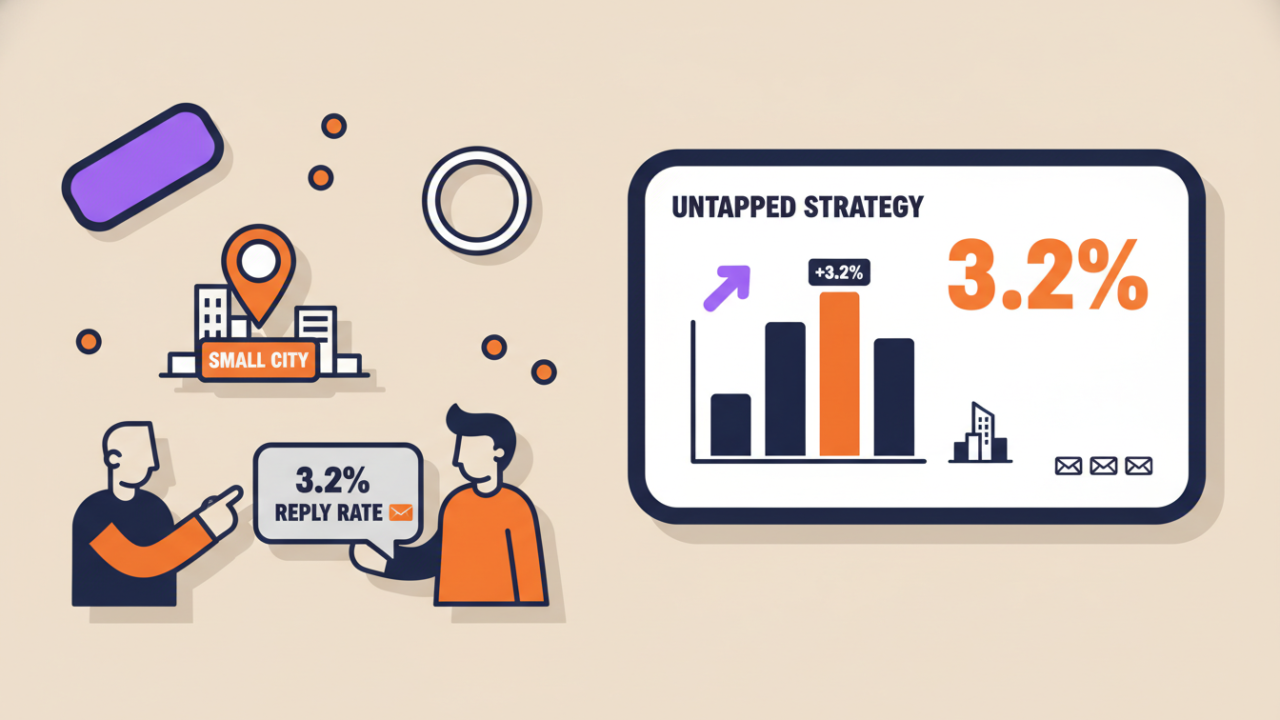
But there’s a hidden strategy that consistently delivers a 3.2% reply rate, and almost nobody is talking about it: stop chasing the same noise, and instead target small‑city businesses — the ones no one else is reaching out to. They’re owner‑operated, hungry for growth, and rarely see a cold email.
Geoscraper makes this strategy simple, affordable, and repeatable. Here’s the exact step‑by‑step process.
1. Cut Out the Saturated Listings That Kill Your Campaigns
If you pull every business in “Miami” or “Los Angeles,” you’re fishing in a pond where the fish have already seen every lure. Those listings have been called, emailed, and messaged so many times they’re practically immune to outreach.
You need to filter them out systematically.
Geoscraper makes this straightforward:
- Target by city size — Choose towns with 10,000–50,000 people. Less competition, more receptive owners.
- Niche sub‑categories — Skip “Restaurant” and search for “organic meal prep delivery” or “custom cabinet makers.” These tight niches are full of businesses that never get cold pitches.
- Review activity — Drop businesses with 500+ reviews. Instead, focus on the ones with fewer than 50 — they’re still building their reputation and are far more open to help.
This filtering step alone transforms a dead list into a receptive one. The businesses you’ll contact aren’t tired of salespeople — they’re often hearing from someone like you for the first time.
2. Scrape Small‑City Google Maps Data for $2 per 1,000 Requests
Once you’ve chosen your low‑competition towns and niches, Geoscraper’s Google Maps scraper extracts the exact data you need:
- Business name, address, phone number, and website
- Exact location coordinates
- Place IDs so you can track and update records over time
Cost: $2 per 1,000 requests
A single, well‑filtered scrape might return 500–2,000 businesses. That’s a completely untouched lead list for about the price of a coffee. And because you’re pulling from small cities, those businesses are overwhelmingly owner‑operated — meaning when you send an email, the person reading it can actually say “yes.”
3. Uncover Personal Emails and Pain Points with the AI Email Finder

Raw business names and addresses aren’t enough. To get a reply, you need to reach the right person with a message that matters to them.
Geoscraper’s AI Email Finder enriches each record for $3 per 1,000 records with:
- Personal email addresses — not generic
info@boxes, but the inbox of the actual owner or decision‑maker. - What the business really does — a clean summary of their services and focus.
- Pain points — such as “no online booking,” “outdated website,” “no social media presence,” or “reviews complaining about slow service.”
This turns a blank contact into a warm message opportunity. For example:
“Hi Maria, I saw that Green Fork Catering has fantastic reviews about your seasonal menus, but a few guests mentioned difficulty placing custom orders. I help caterers add a simple order form that takes under an hour to set up — worth a quick chat?”
Without that enrichment, you’re stuck guessing. With it, you show the business owner you’ve done your homework, and you immediately stand out from the one‑line templated pitches they might see once every blue moon.
4. Validate Every Email for $1 per 1,000 and Protect Your Deliverability
Even the best‑researched list will hurt you if it contains invalid or risky addresses. Bounces damage your sender reputation, and hitting spam traps can sink an entire domain.
Geoscraper’s Email Validator (cost: $1 per 1,000 verifications) integrates directly into your workflow. Right after enrichment, you can run every address through the validator to:
- Remove invalid and disposable emails
- Flag catch‑all domains so you can decide whether to include them
- Confirm that the mailbox actually exists — without sending a test email
The result is a clean list with a bounce rate under 1%. That keeps your domain healthy, your emails landing in the inbox, and your carefully warmed‑up email pool working exactly as it should.
5. Always Warm Up Your Email Pool Before Sending
No guide is complete without this step. Even the perfect list will fail if you send hundreds of emails from a cold domain.
- Spend 2–3 weeks warming up your sending domain and mailbox.
- Use a warm‑up tool (or your email platform’s built‑in option) to start with 20–30 emails a day and gradually increase.
- Only then launch your Geoscraper‑built campaign at full volume.
A well‑warmed pool combined with a clean, low‑competition list is the difference between a 0.5% reply rate and a consistent 3.2%.
Why This Small‑City Strategy Works (And Why Nobody’s Using It)
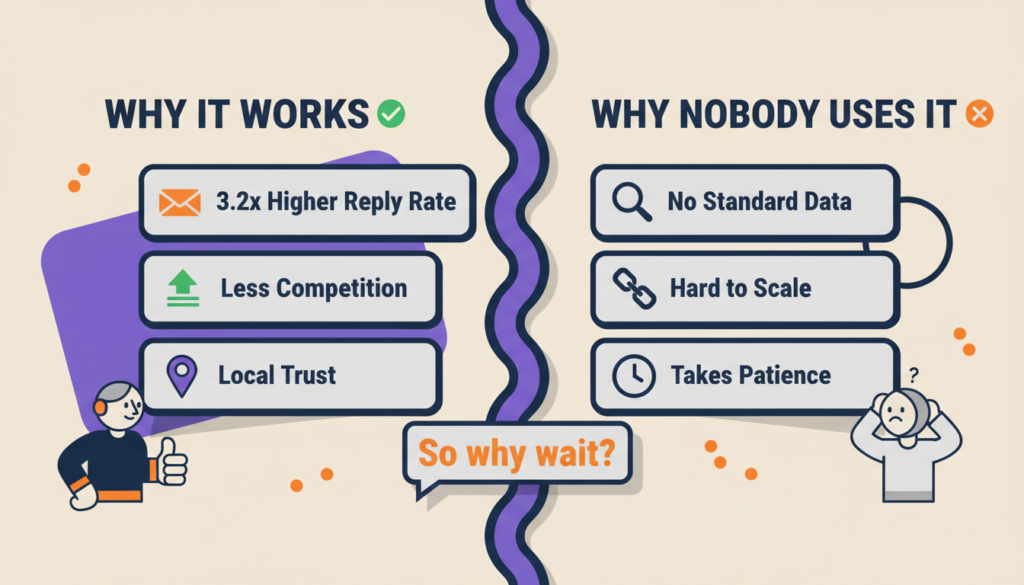
Most lead gen tools hand you a firehose of generic, big‑city data. The small‑city approach is rarely discussed because it requires disciplined filtering and a deliberate shift away from the numbers game everyone else is playing.
But that’s exactly why it works so well:
- You filter out the saturated big‑city listings that everyone else is burning through.
- You scrape small‑city businesses that rarely get cold outreach.
- You enrich them with personal emails and real pain points.
- You validate everything to protect your deliverability.
The result is not just a list — it’s a real, responsive pipeline that consistently hits a 3.2% reply rate.
Start Building Your Untapped Lead List Today
Stop sending emails that vanish into the void. Use Geoscraper to tap the hidden small‑city market that nobody else is reaching — and finally hit the reply rate you’ve been chasing.
- Google Maps scraping: $2 per 1,000 requests
- AI Email Finder: $3 per 1,000 records
- Email Validator: $1 per 1,000 verifications
Sign up, pick your first small‑city target, and watch what happens when you email people who actually want to hear from you.